Fear Me PC, Mac & Linux Download Guide
Type: Download Guide · Updated: Aug 17, 2026 · Tags: fear me pc download, mac, linux, itch.io, windows defender, false positive
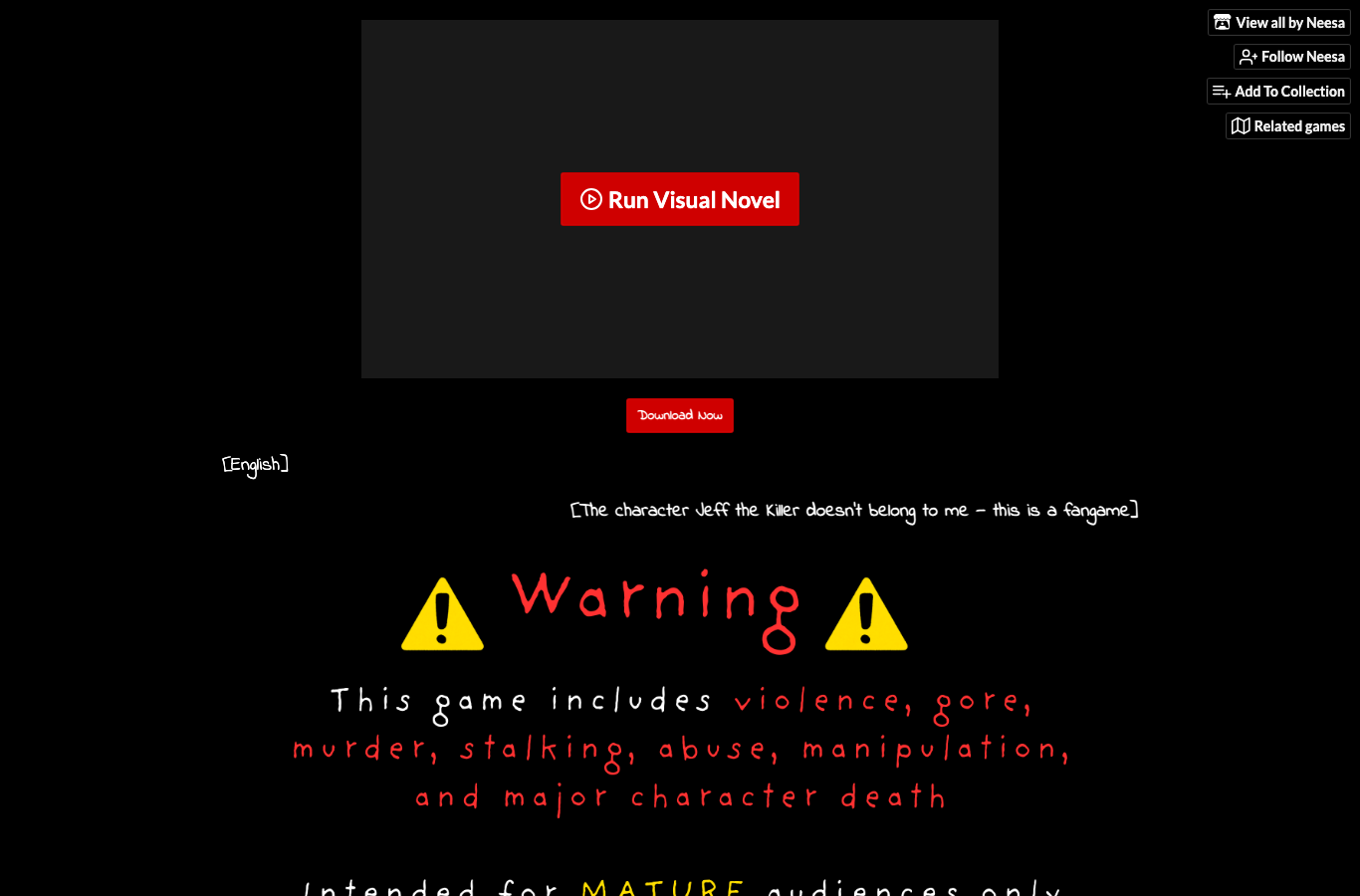
If you are searching for a Fear Me PC download, Fear Me Mac download, or Fear Me Linux download, the main thing you need is not a mirror list. You need the right official build. The current itch.io page offers the game in browser plus downloadable builds for Windows, macOS, Linux, and Android — currently listed as FearMe-1.2.6 (PC ~257 MB, Mac ~252 MB, APK ~284 MB). That means you can choose the format that fits your setup without guessing or hunting for unsafe APK or zip reposts.
Start With the Platform That Fits You
If you just want to play quickly, use the browser version. If you want better save control and fewer storage surprises, use the desktop build. If you are on Android, use the official APK from itch.io, not a repost. If you are on a shared computer or school laptop, browser mode is usually the cleanest choice because it does not ask you to manage zip files or install rights.
The official devlog history helps explain why this matters. The game has gone through a release cycle, small patches, a guide PDF, a Russian localization, and later translation cleanup. That means build choice is not just about convenience. It also affects whether you are on the version that matches the guide and the current route discussions.
Download Decision Tree
| If You Have... | Best Option | Why |
|---|---|---|
| Windows PC | Official PC zip | Best balance of speed, save control, and keyboard/mouse comfort. |
| Mac | Official Mac zip | Cleaner than browser for longer route runs and local saves. |
| Linux | Official PC/Linux-compatible zip | Stay on the creator's official package rather than a distro mirror. |
| Android | Official APK | Needed for mobile play, but only safe if it comes from the itch page. |
| Just testing | Browser build | Fastest way to confirm the game runs before you install anything. |
How to Download Safely
- Open the official Fear Me itch.io page.
- Check the current file names and version number before clicking anything.
- Use the browser build first if you are unsure whether the game is for you.
- Only download PC, Mac, Linux, or APK files from the official page.
- If you want route help, grab the Guide PDF from the same source so it matches the build.
A lot of users land here because they think the answer is “which mirror is best?” That is the wrong question. The right question is “which official build fits my device and keeps my progress safe?” Mirrors introduce version drift, odd filenames, and save confusion. Official files keep the route logic and guide references aligned.
Windows Defender / Mac “Malware” Warnings
Public itch.io comments keep asking whether it is normal that Windows says it is “protecting your PC,” or that macOS will not open the zip because it “can’t check for malware.” For an unsigned indie game downloaded as a zip/APK, SmartScreen and Gatekeeper warnings are common — they are not, by themselves, proof the file is a virus. They also are not a reason to grab a random mirror that promises a “clean” installer.
- Confirm the source. Only keep files downloaded from Neesa’s official itch.io page. If the file came from a Google result, Discord repost, or “Fear Me free APK” site, delete it and start over.
- Match the filename and size. Current official names look like
FearMe-1.2.6-pc.zip,FearMe-1.2.6-mac.zip, andFearMe-1.2.6-apk. A much smaller zip is incomplete or fake. - Windows SmartScreen: After you verified the official page and size, use “More info” → “Run anyway” only on that file. Do not disable Defender globally for an unknown download.
- macOS Gatekeeper: Prefer the official Mac zip from itch. If Finder blocks it, open System Settings → Privacy & Security and allow the app you just verified, or right-click → Open once. If the Mac build still fails, use the browser version on the same official page — no local executable required.
- When in doubt, play in browser. The HTML5 build avoids zip warnings entirely and is the safest first check that the game is what you wanted.
If your concern is a broken save rather than a warning dialog, use the save troubleshooting guide. If you need to compare mirrors, use the official download vs mirrors checklist.
When to Use Browser vs Download
Use browser if you want instant play, are on a restrictive machine, or simply want to check whether Fear Me runs well enough on your device. Use download if you care about longer sessions, save stability, or offline access. If you are trying to reach the True Ending or a specific route repeatedly, desktop is often more comfortable because browser storage can disappear when a session gets cleared, a privacy profile closes, or the browser updates its storage policy.
If your concern is save safety, read the save troubleshooting guide before changing anything. If your concern is what the score means, use the Guide PDF and 50 hearts page. If your concern is whether the game is too mature, check the content warning page before installing anything on a shared device.
Common Mistakes
Do not unzip only part of the desktop build. Do not compare a random zip size from a repost to the official page and assume they are interchangeable. Do not install a Linux build from a third-party package manager unless the creator explicitly provides it that way. Do not uninstall the Android APK before updating if you care about saves. And do not assume a current guide works with an old version if the file list or language support has changed.
Use the Guide PDF With the Same Build
The official Guide PDF is useful, but it should travel with the official build you are actually playing. If you download the current PC zip and then read an old route screenshot from a fan post, the advice may still be emotionally right but technically stale. File names, language cleanup, and guide references changed over the post-launch cycle. Keep the Guide PDF beside the same game folder you use for ending hunts, and label old folders before archiving them. That small habit prevents a very common problem: thinking a route is broken when you are mixing a current guide, an old build, and a save from a different device.
Bottom Line
If you want the safest simple answer, use the official itch.io page and pick the platform that matches your device. PC for Windows, Mac for macOS, Linux for Linux, APK for Android, browser if you just want to try it, and the Guide PDF if you are already route hunting. That is the whole flow. It is more boring than chasing mirrors, but it is the boring path that keeps your saves and your sanity intact.